Crow Cursor Pack
A downloadable cursor for Windows
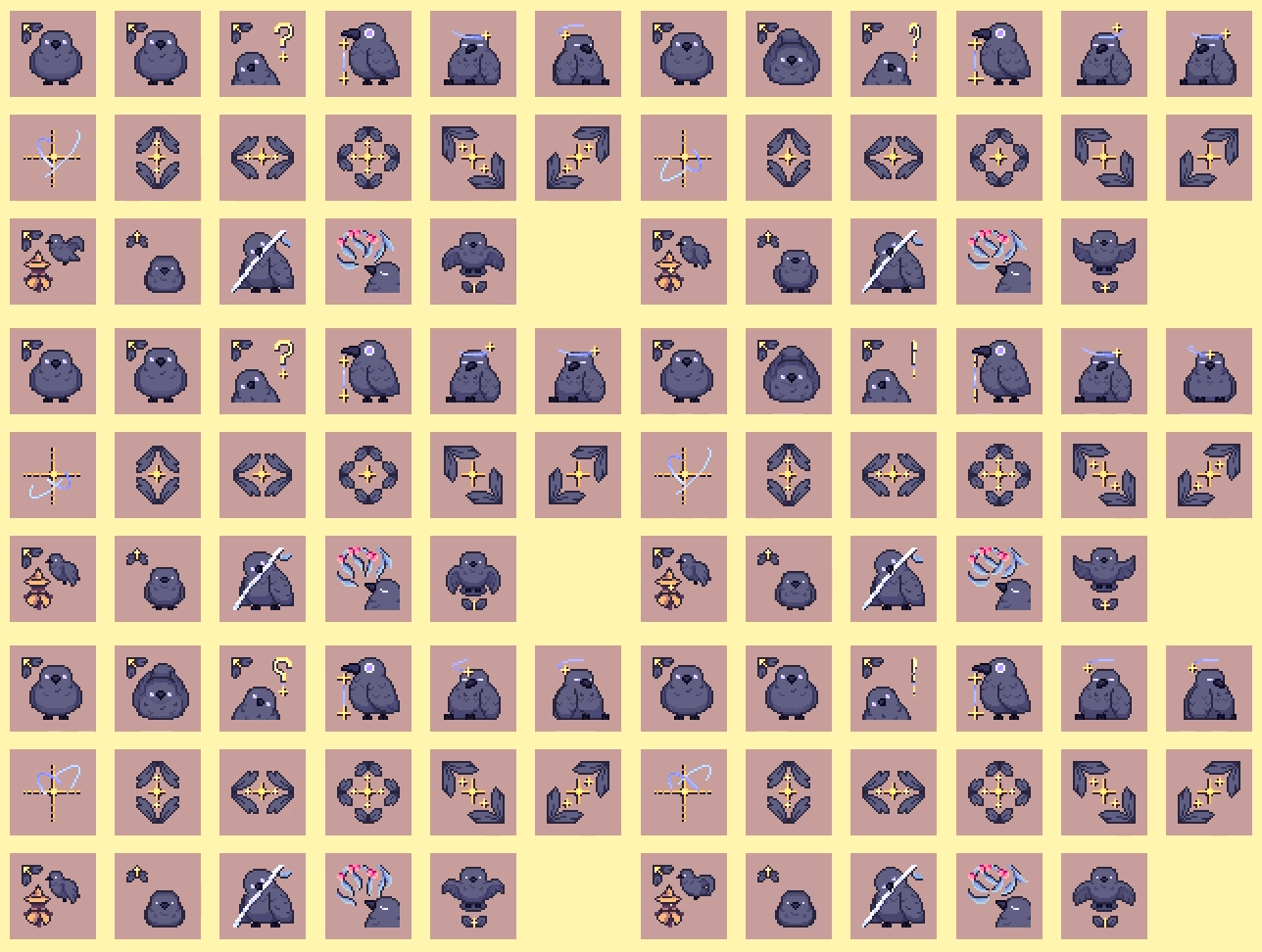
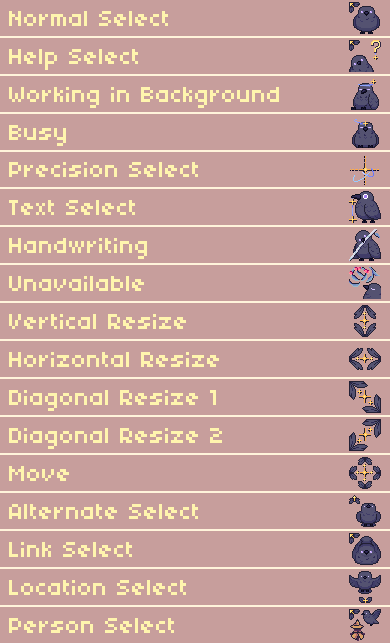
•> This pack includes:

- Install.inf file.
- 17 animated cursors (.ani files) of 32x32 pixels.
•> How to Install:
- After the download, extract the zip folder.
- Open the extracted folder "crow_cursor".
- Look for the "install.inf" file, right click and select install. (This action will show a pop-up asking for permission to allow this app to make changes to your device , click Yes)
- With the permission the installer will:
- Add the folder "Crow" to Windows\Cursors.
- Make the mouse properties appear with the cursor installed, make sure you have selected the cursor named "Crow" and click Ok, and it's done!
•> License:
⚠ You are allowed to use this product for personal and commercial use, media content creation, games, and streams. Credit is appreciated but not required.
⚠ Do not repost, reupload or use this product for AI training.
•> This cursor pack only works on Windows <•
Download
Leave a comment
Log in with itch.io to leave a comment.